
Readable content conversion
Keep headings, lists, links, tables, code and image descriptions. Represent embedded media and controls without executing them. YAML front matter preserves source context.
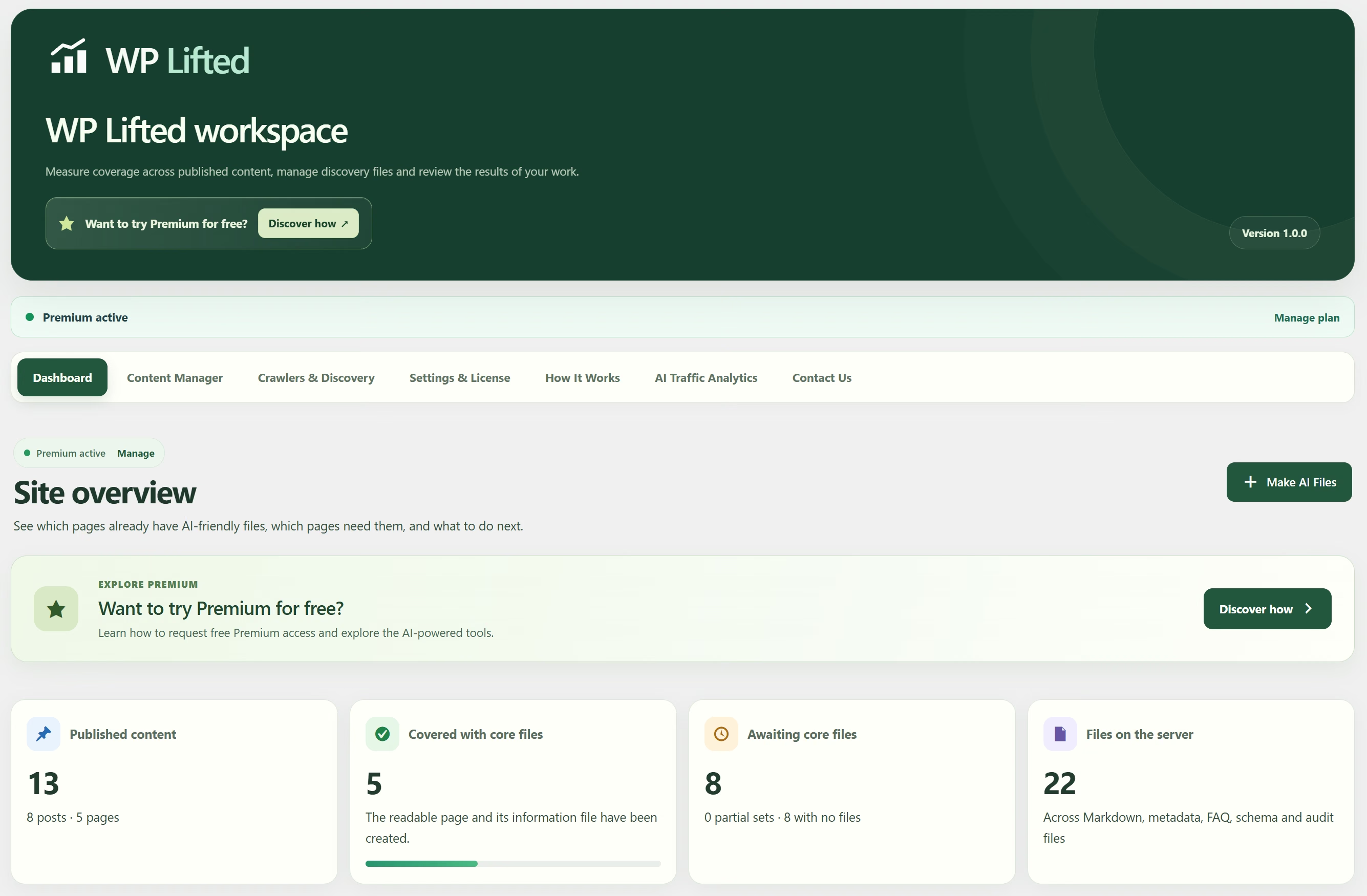
The WPLifted toolkit
Generate readable files locally. Add AI FAQs, structured data and an evidence-based readiness review. Keep the publishing decisions in WordPress.
Compare plansInside WPLifted
Select a workspace to see the tools you will use.
Free foundation
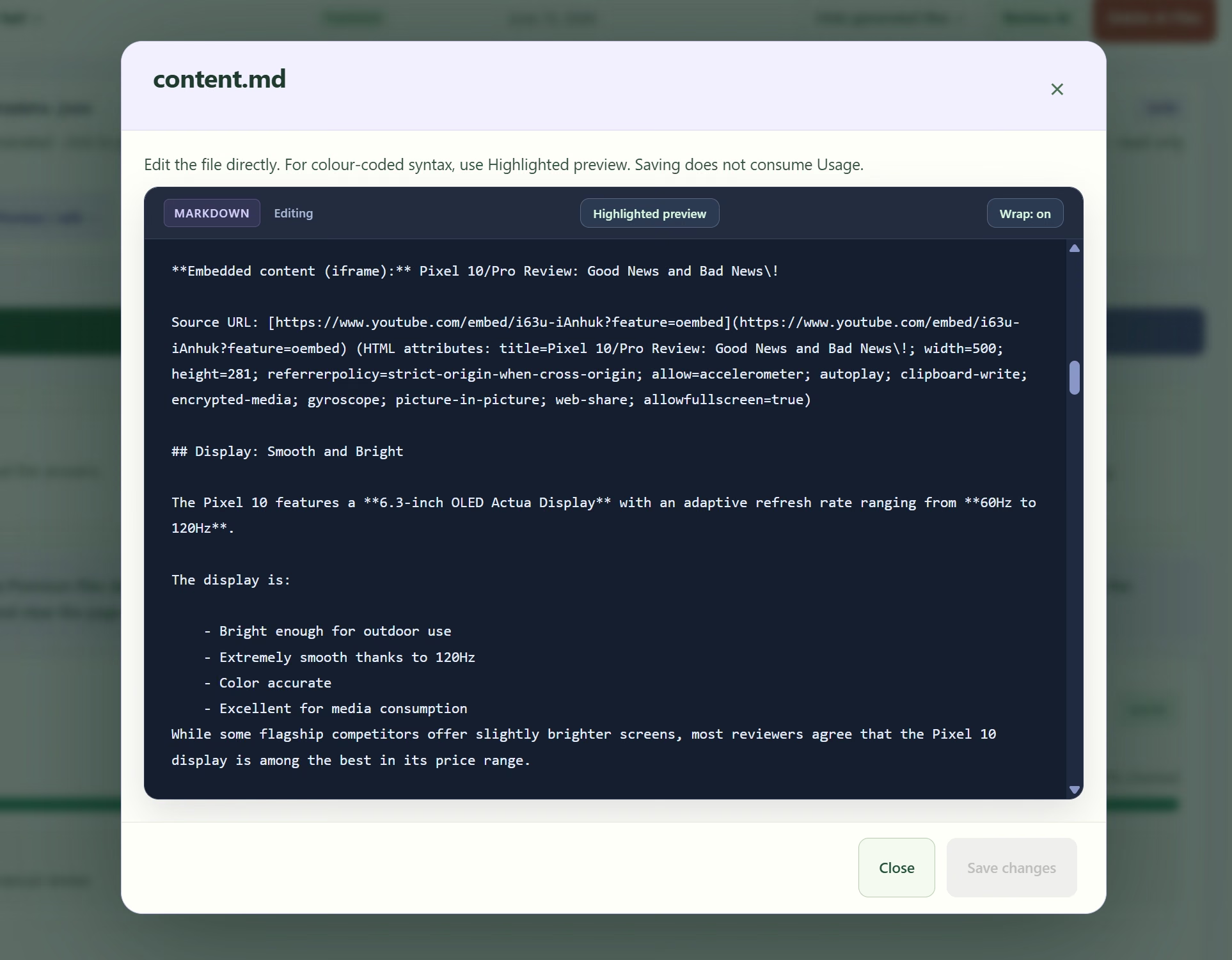
Generate readable text and metadata from your published WordPress content. Headings, links, tables, code and media references keep their context; the original post stays yours.
Premium FAQs
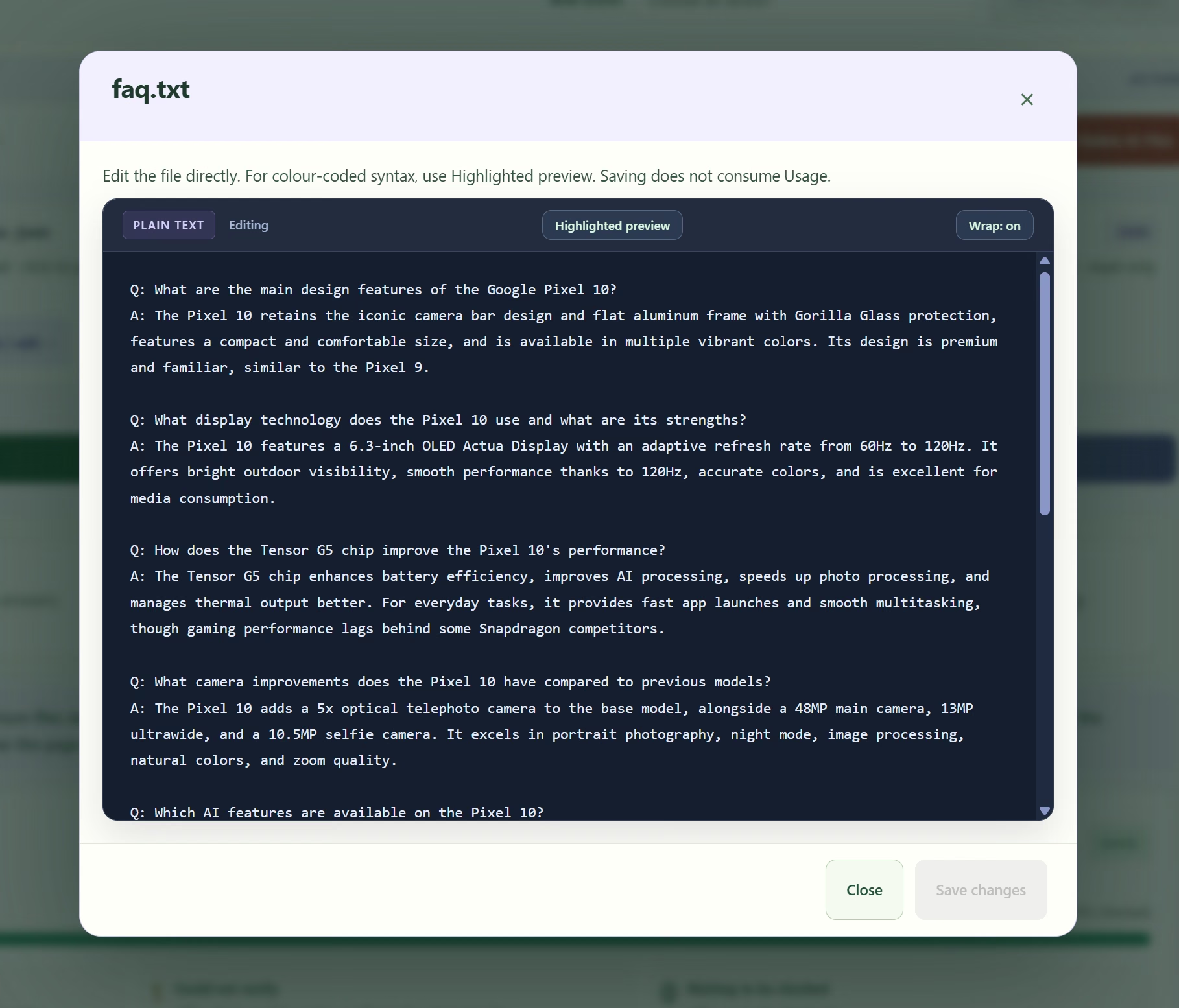
Generate focused questions in the language of the source content, edit the answers and choose how they appear. Use an accordion, invisible output or a shortcode for your layout.
Premium AI Readiness
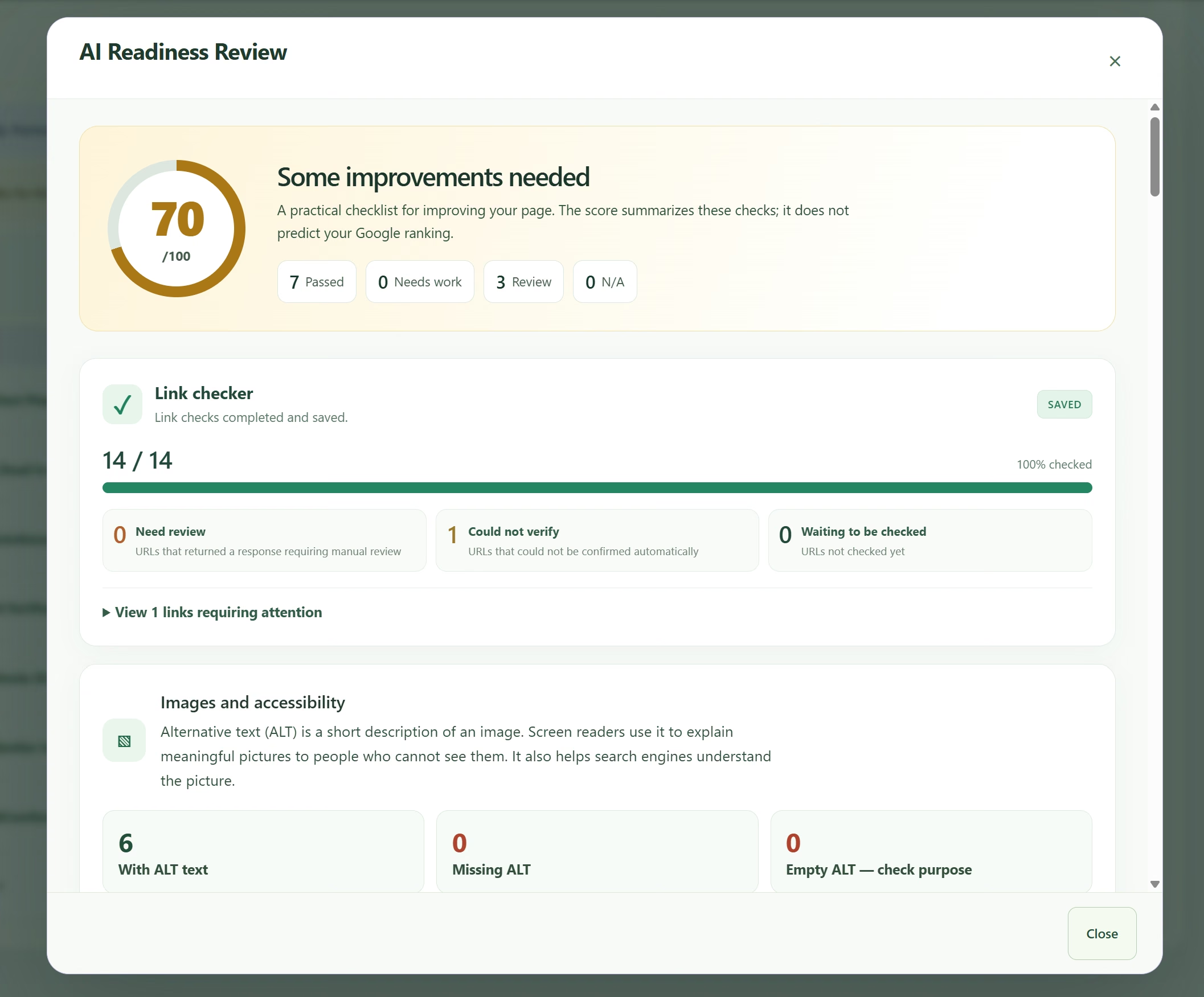
Ten SEO, AEO and GEO checks turn page evidence into a practical editorial review. See what passed, what needs work and what needs a closer look, with recommendations attached to each finding.
Included in the Readiness workspace
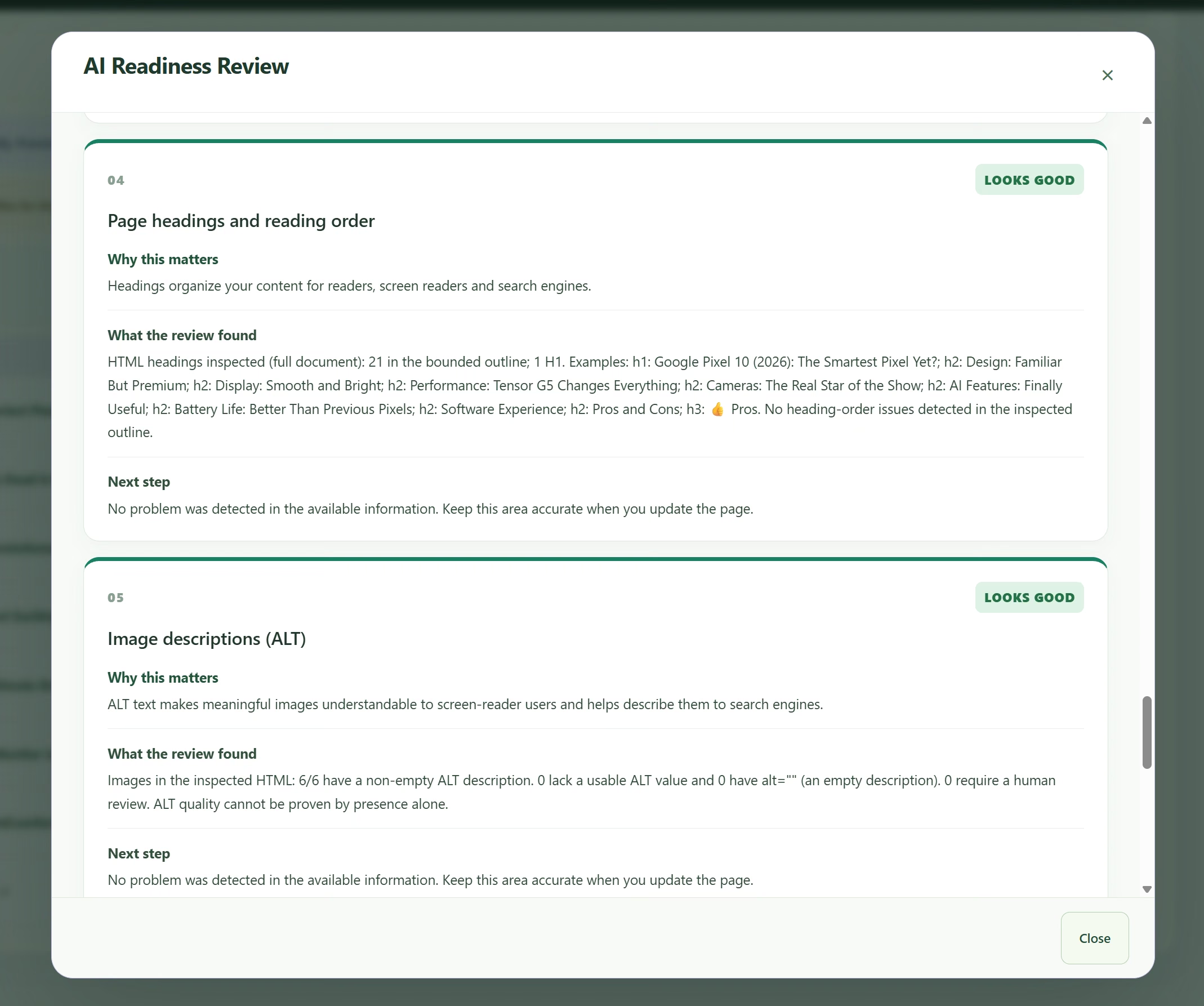
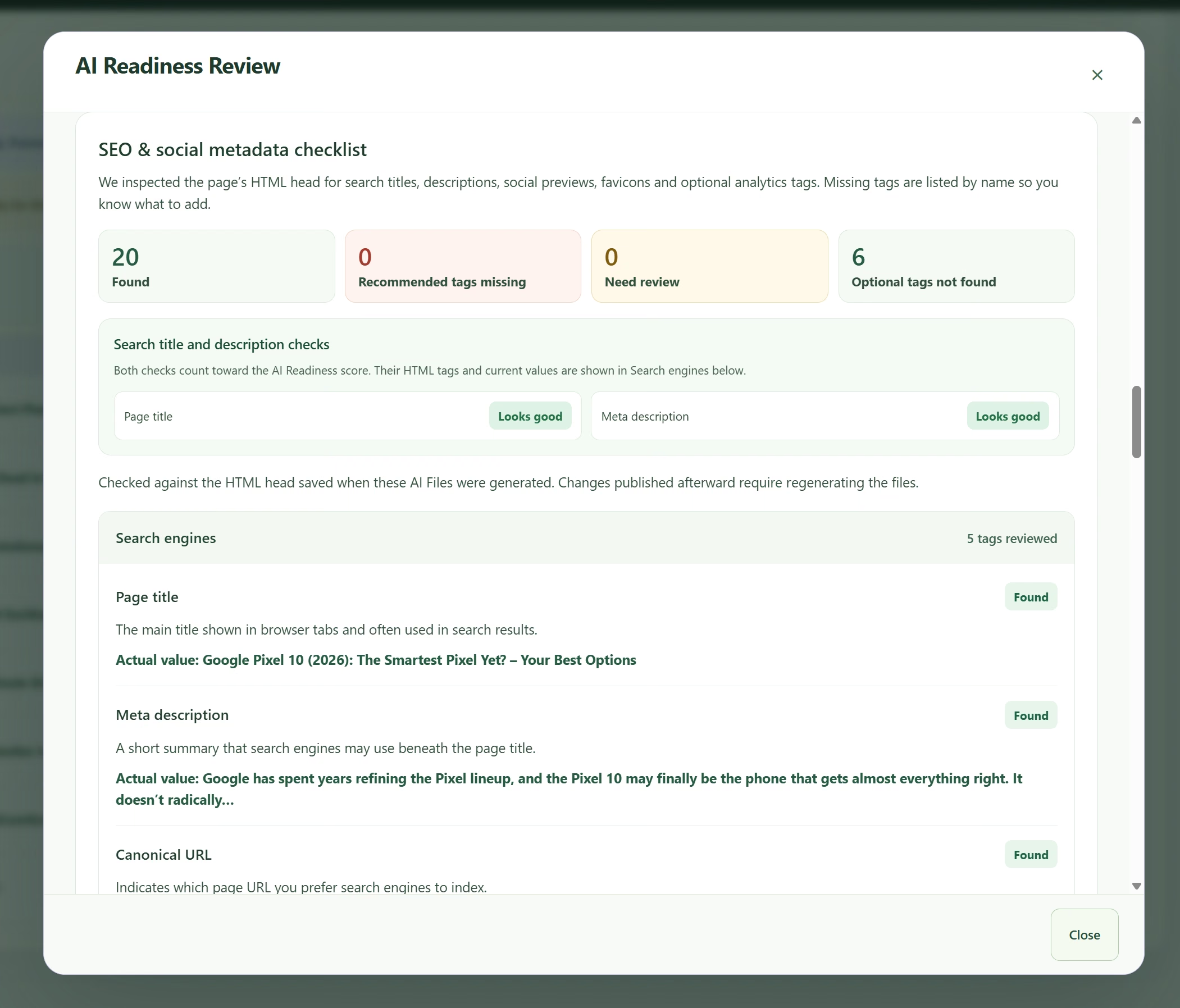
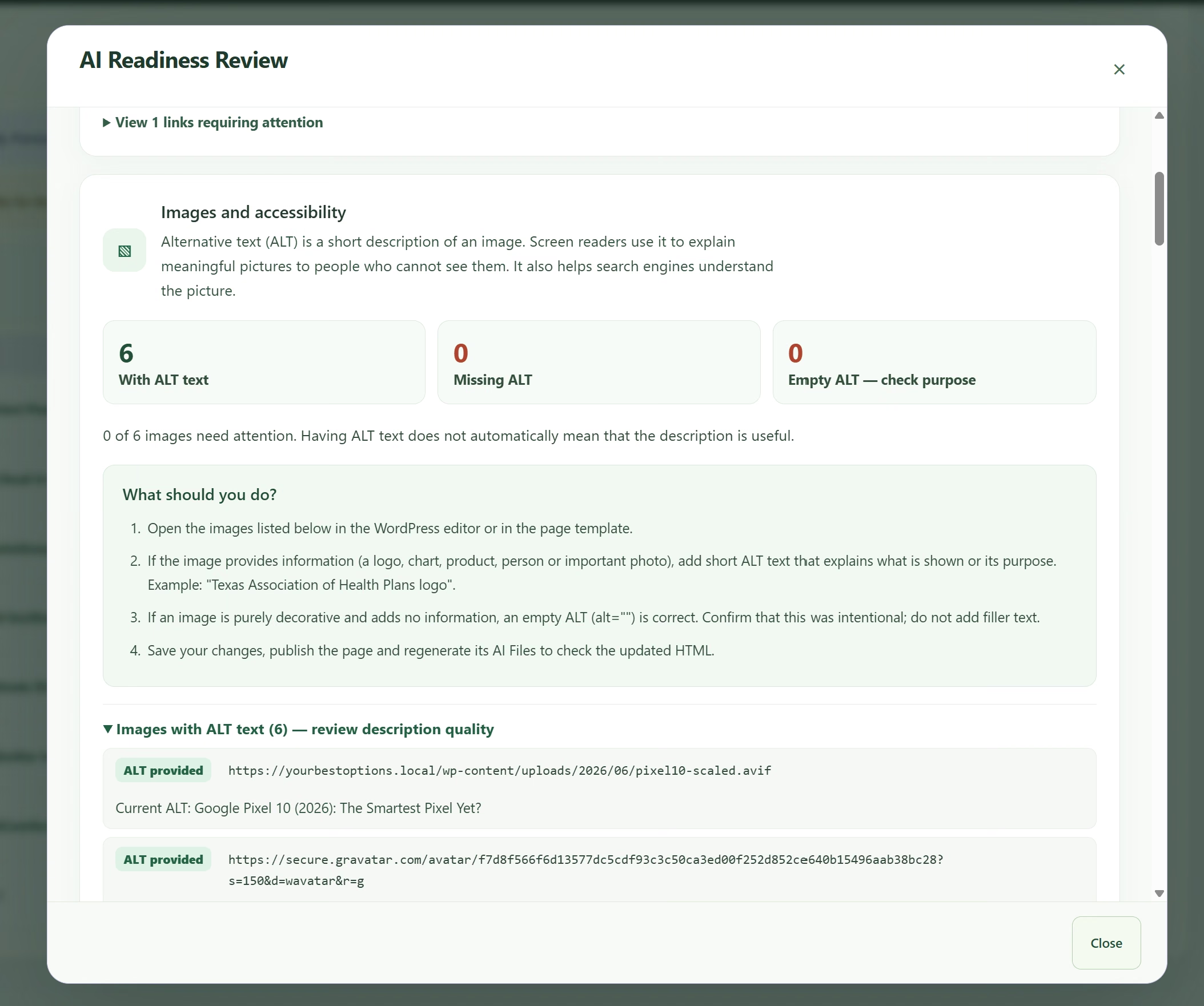
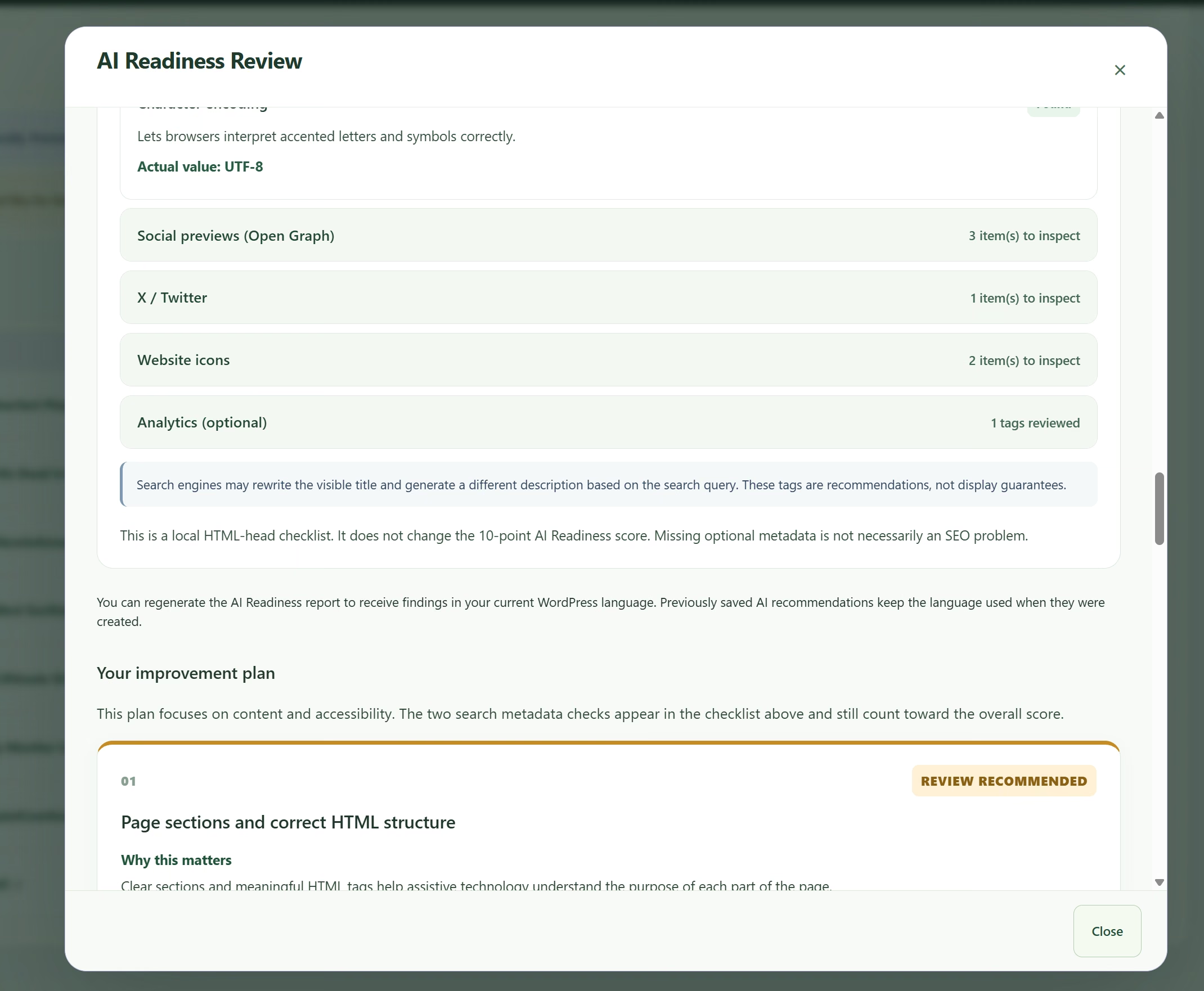
Inspect the metadata and images captured from the actual page. Review Open Graph and X previews, canonical URLs, website icons, image descriptions and loading hints.
Premium structured data
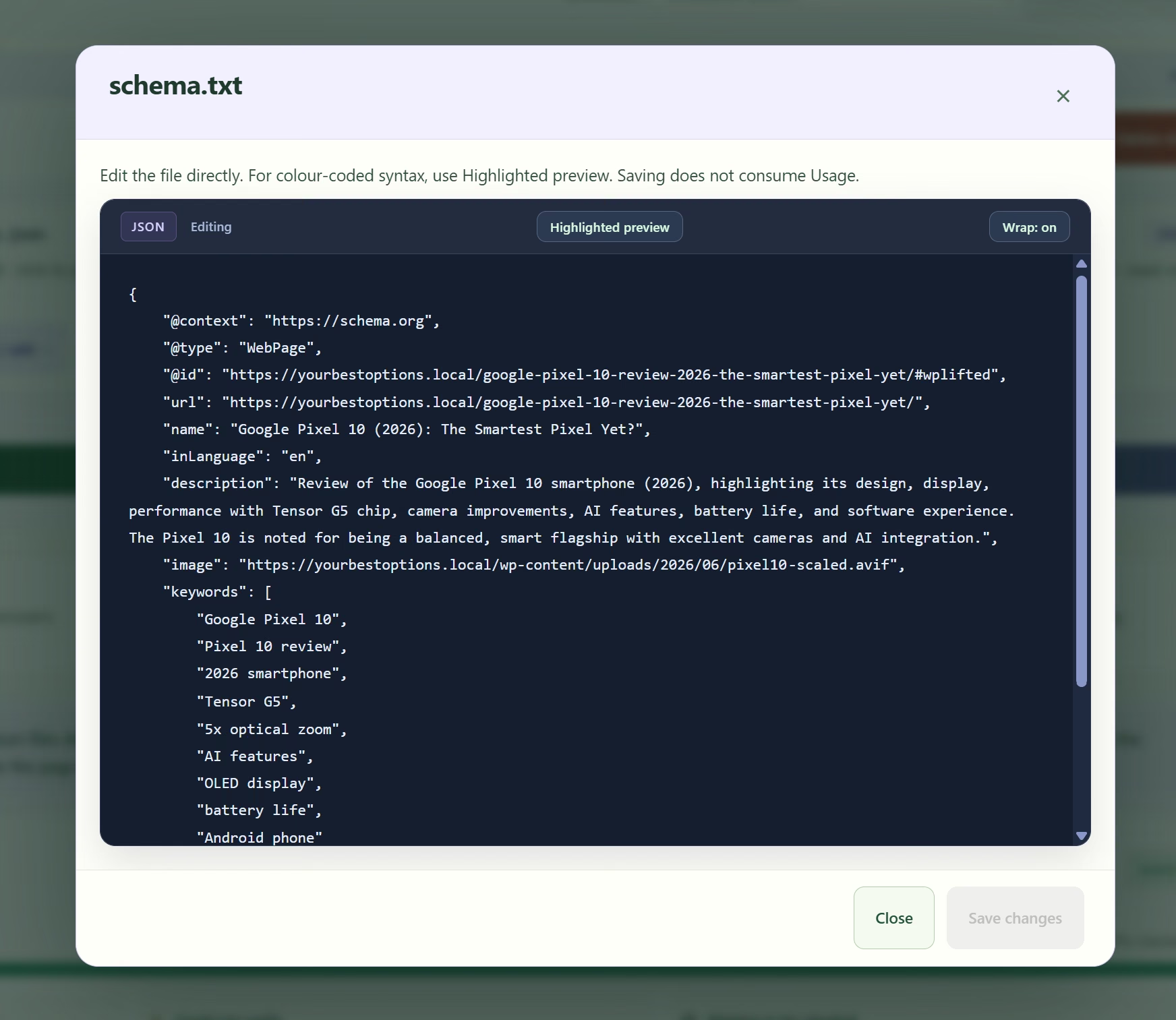
Review generated structured data, edit its facts and decide whether to keep existing page schema or enable WPLifted output. Matching Yoast and Rank Math page schema can be enriched.
Free discovery controls
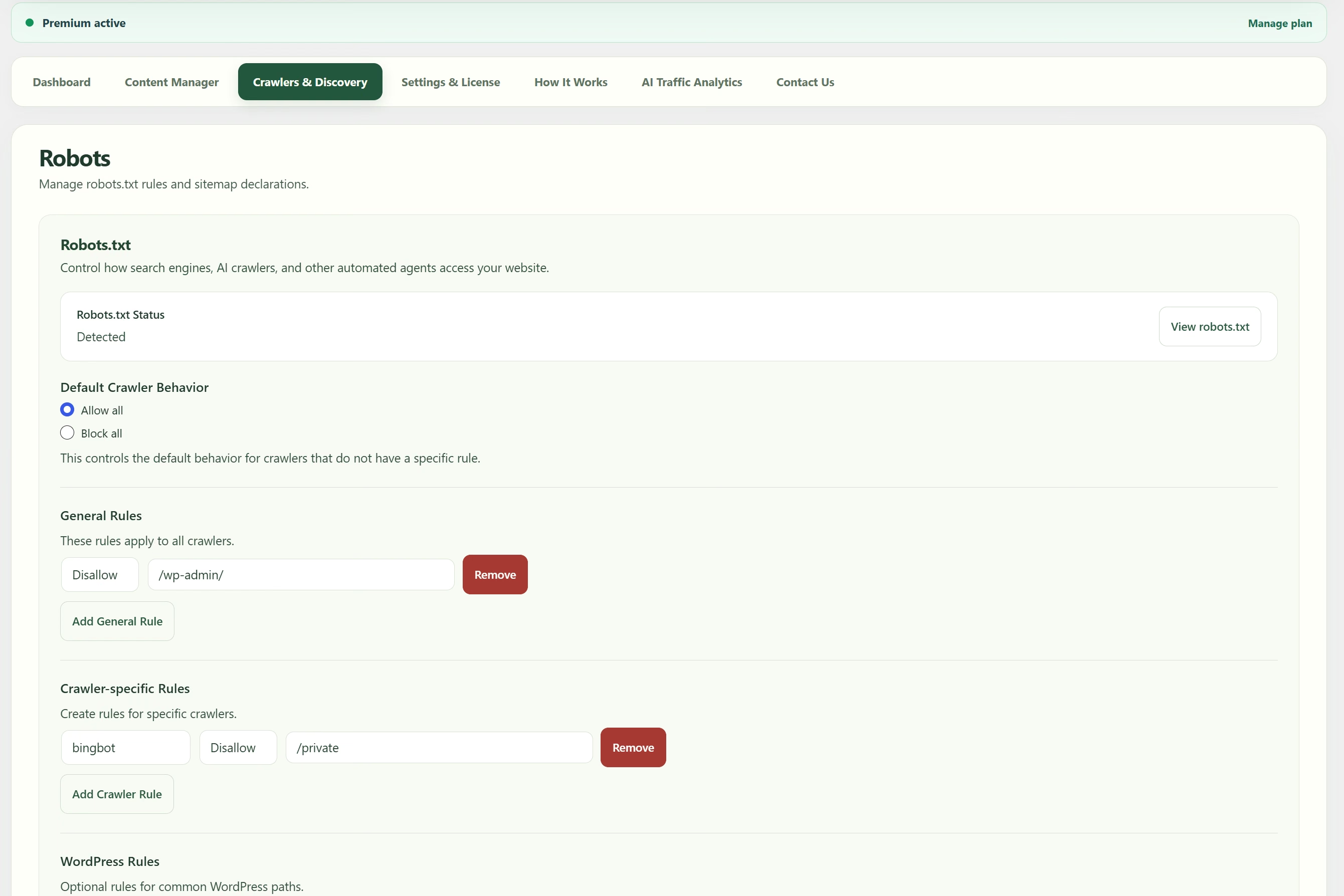
Build readable content indexes, configure Crawler rules and declare sitemap URLs. Set separate preferences for AI search, citations, training and other content uses.
Free AI referral analytics
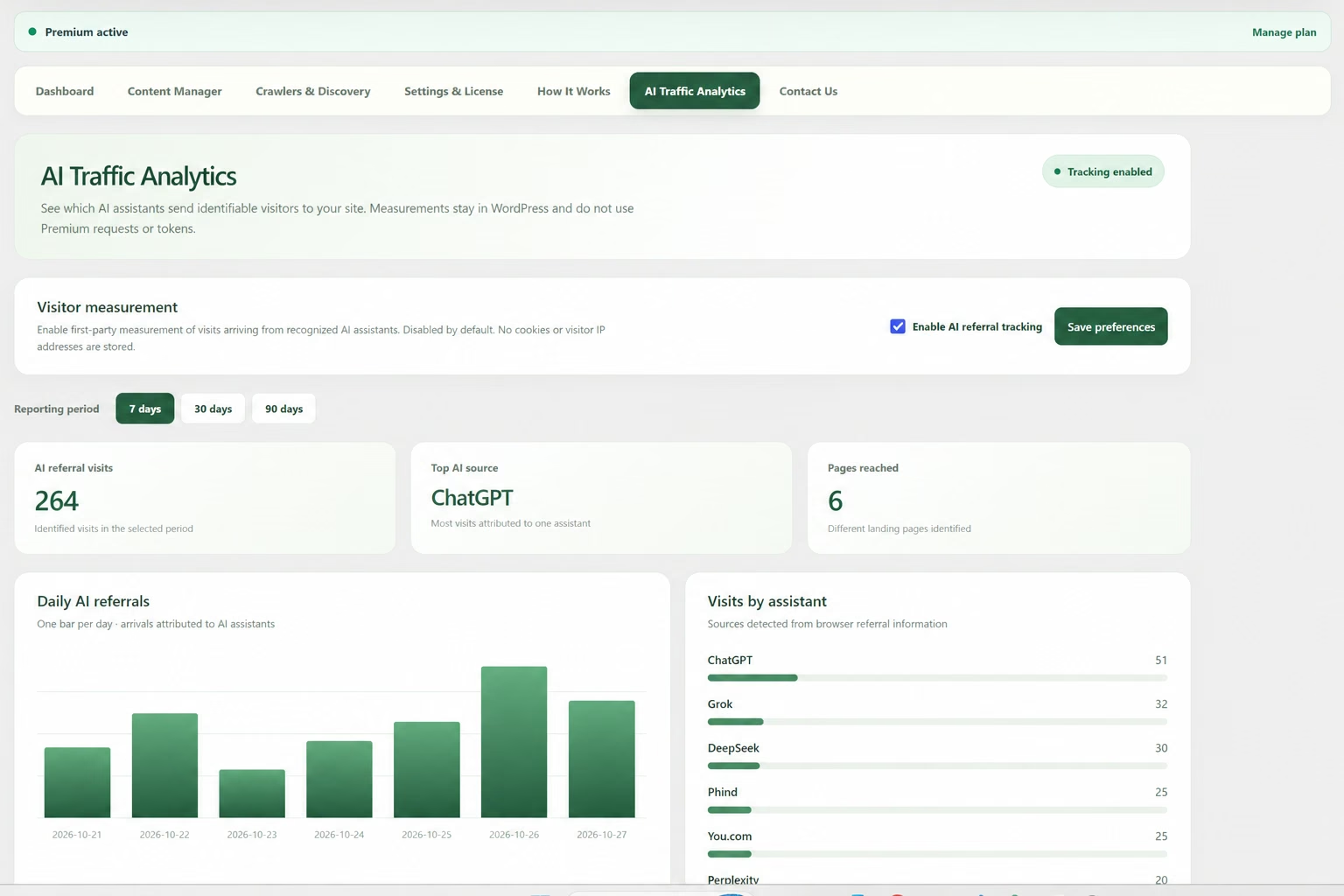
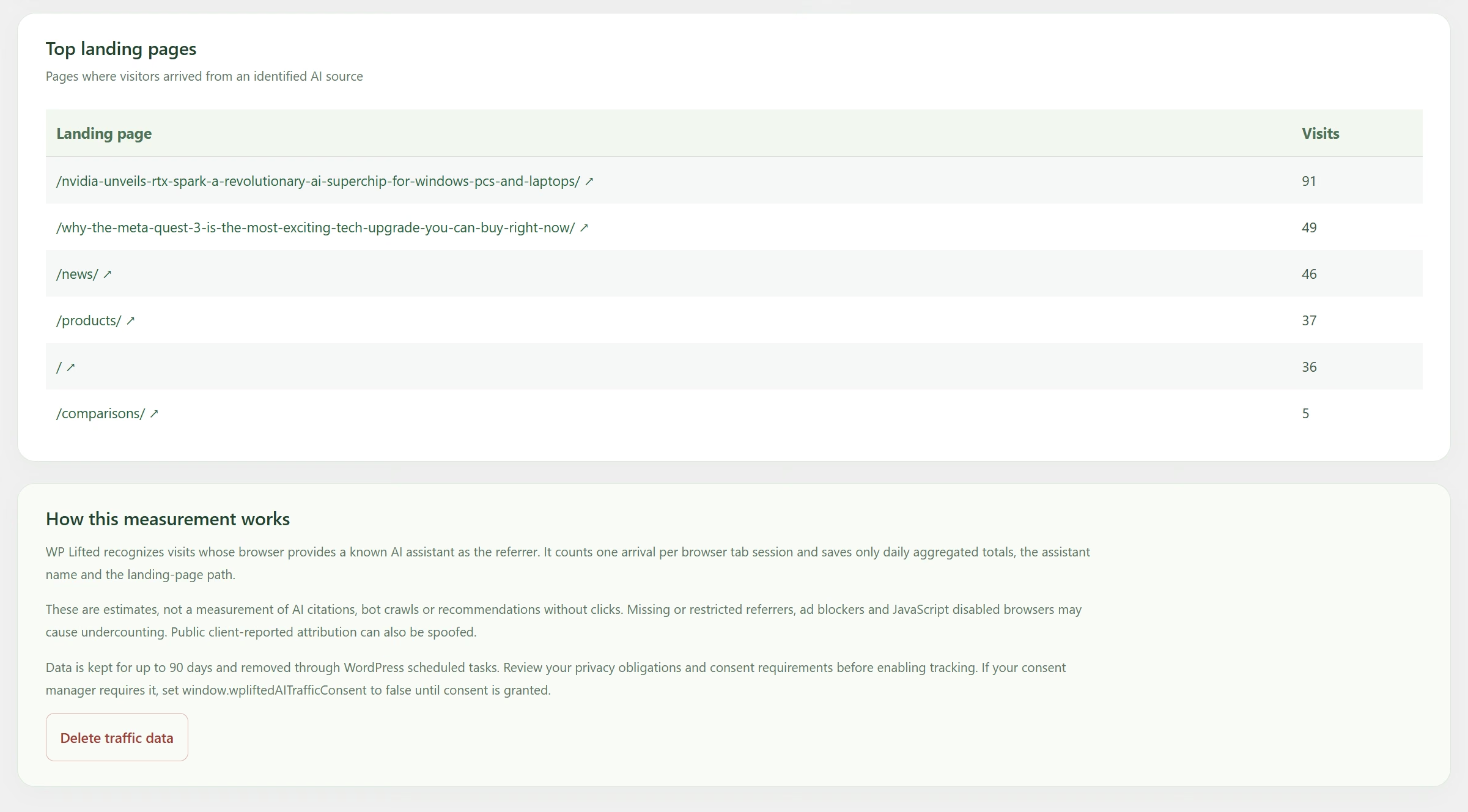
Understand identifiable referrals from ChatGPT, Perplexity, Claude, Gemini and other recognized AI sources. Follow daily trends and the pages receiving those visits.
Manual controls + Premium AI styling
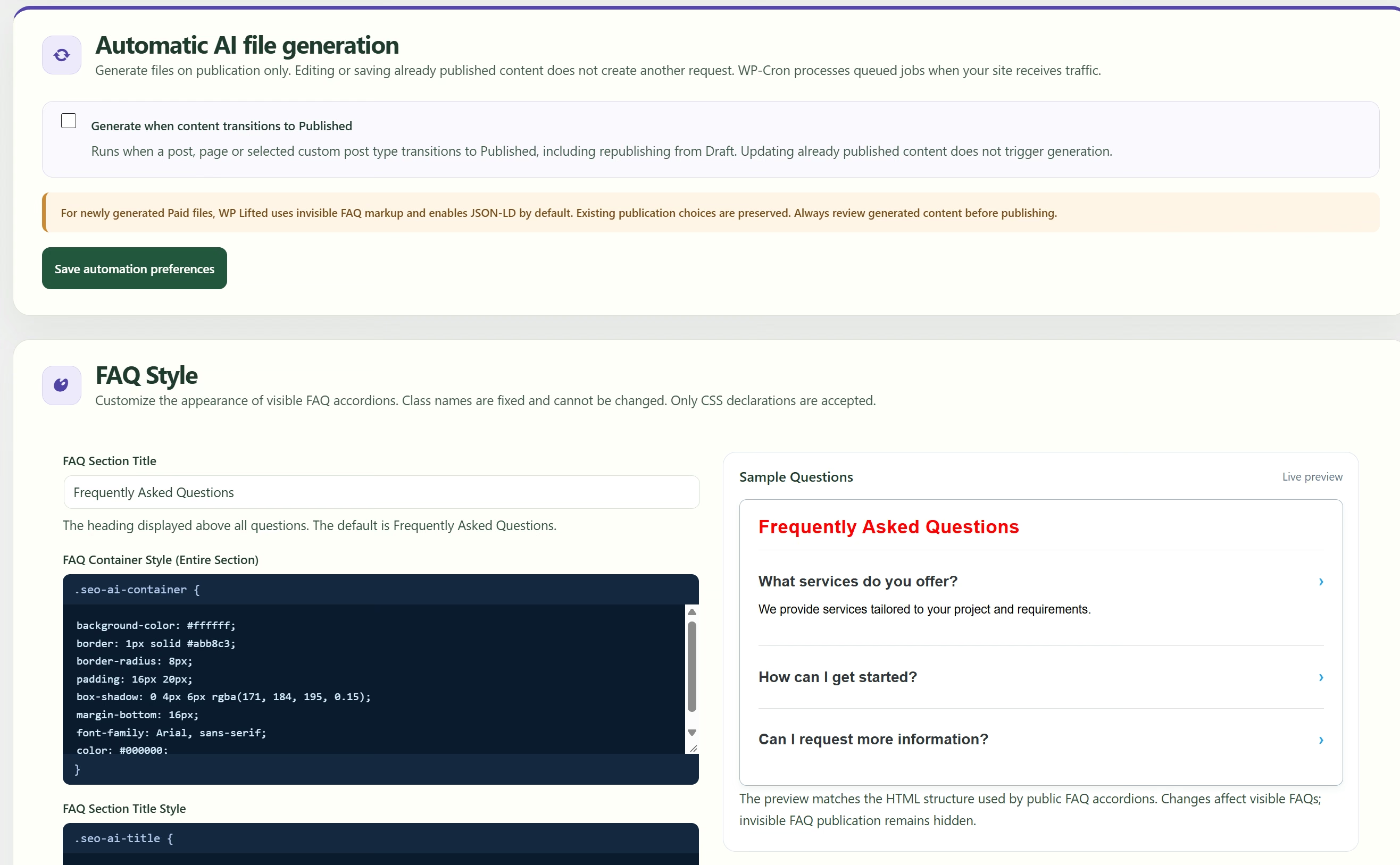
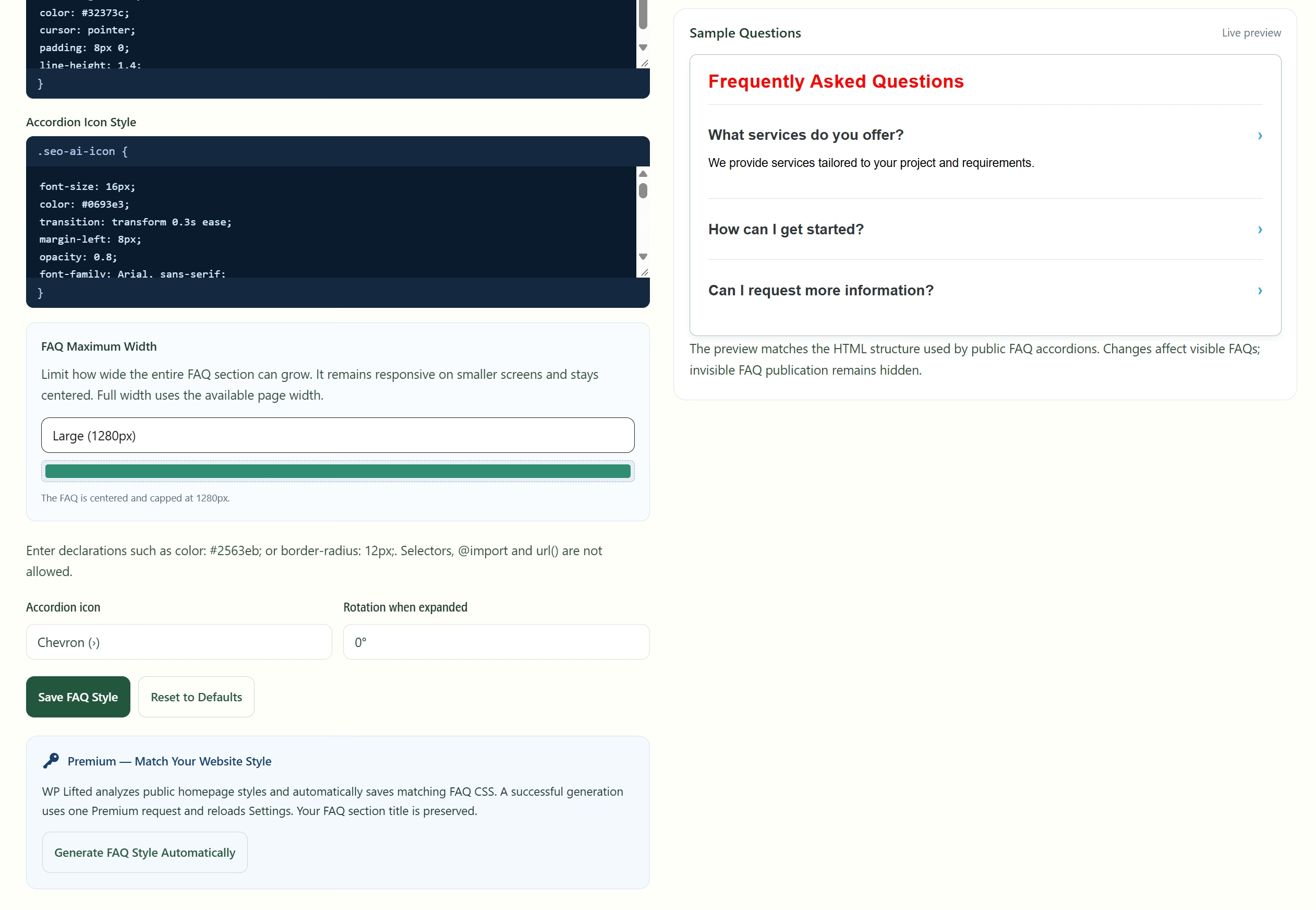
Adjust the section title, style rules, width and accordion icons with a live preview. Premium can suggest a style using your homepage as a reference; you keep the final edit.
Free dashboard + paid usage
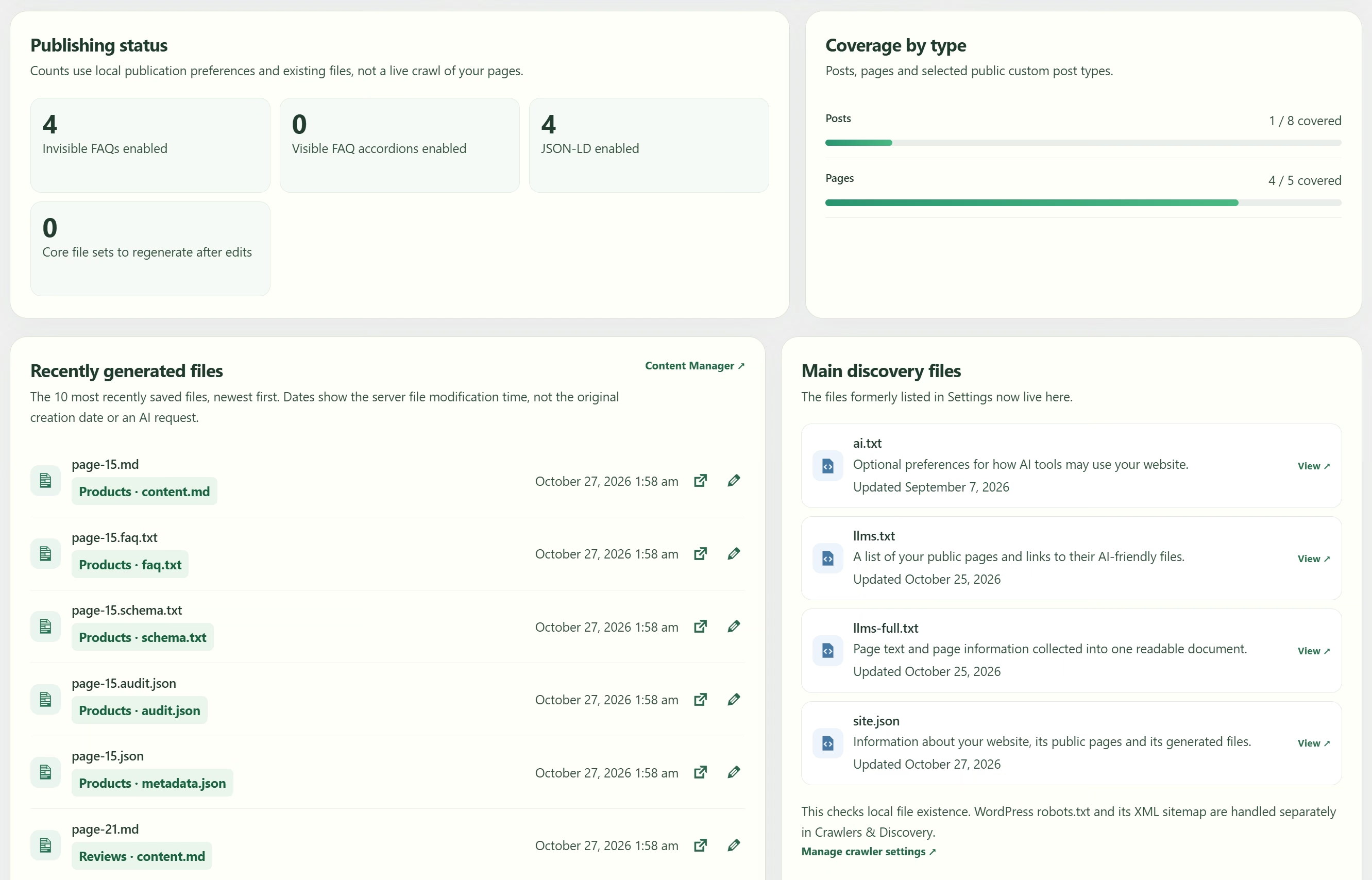
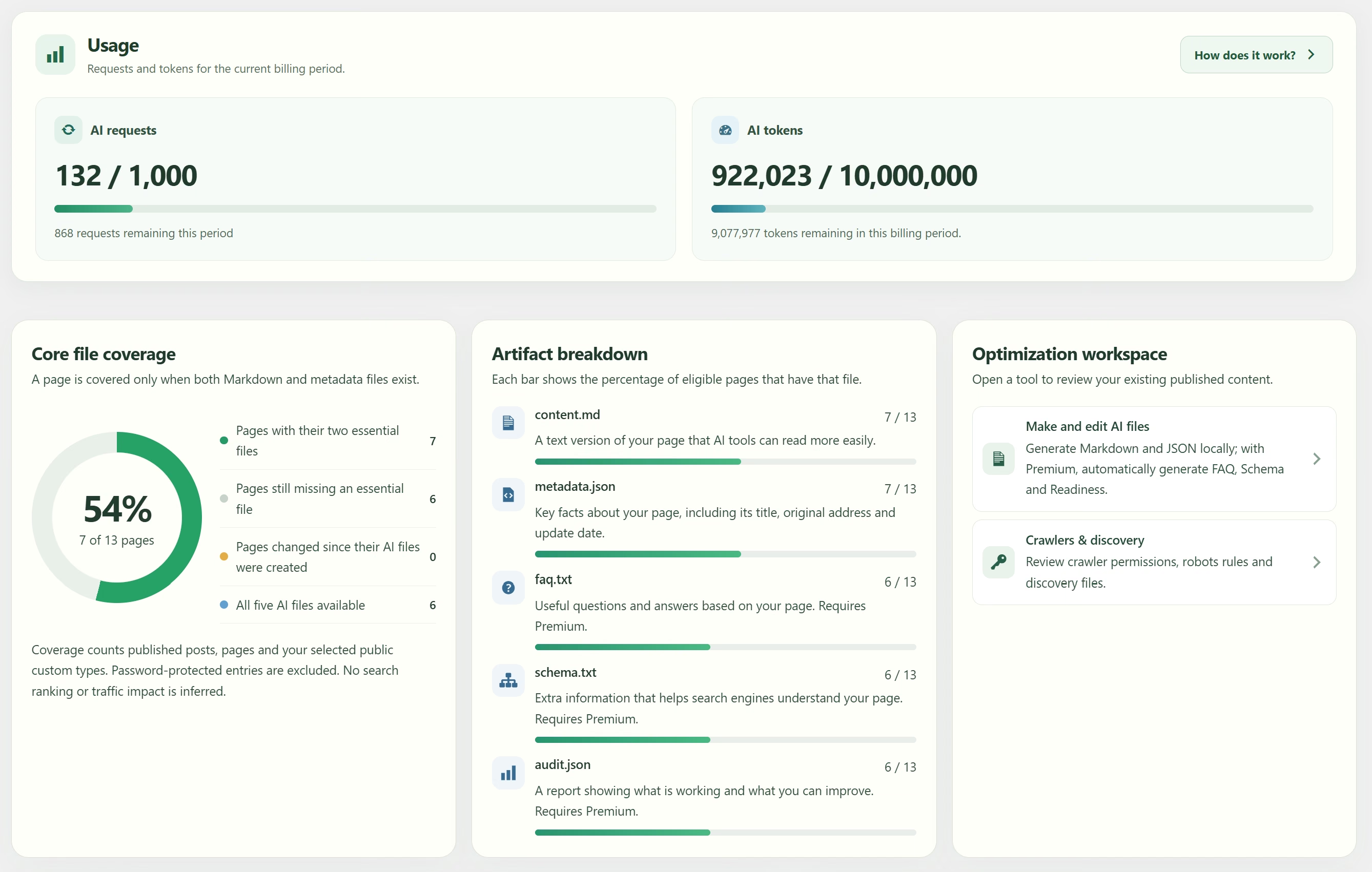
Track generated files, freshness and publishing preferences across posts, pages and selected content types. Paid licenses show both monthly limits so you can plan your next analysis.
Keep headings, lists, links, tables, code and image descriptions. Represent embedded media and controls without executing them. YAML front matter preserves source context.
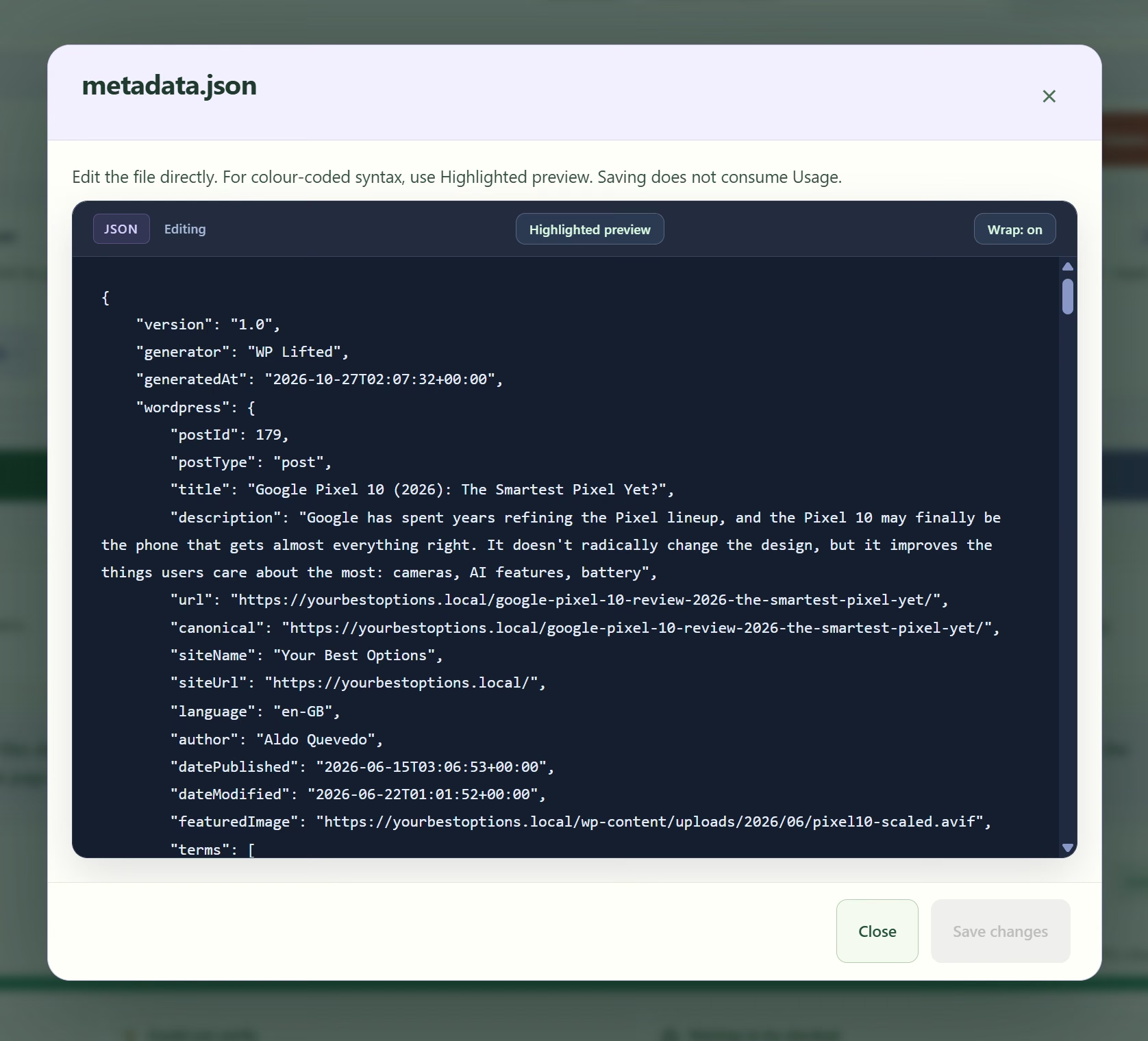
Capture source URLs, dates, language, content statistics, detected schema and inspected page-header evidence in a companion JSON file.
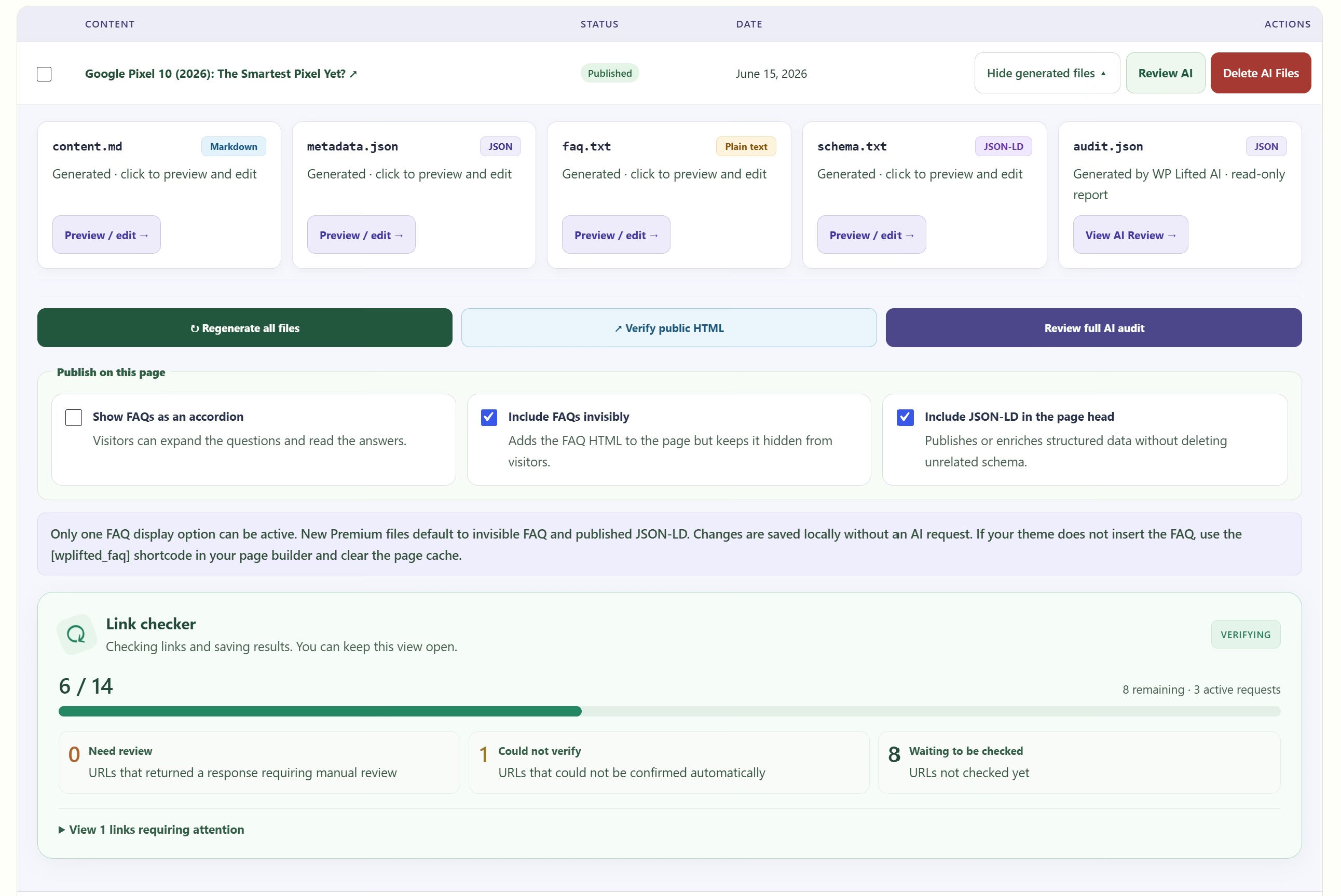
Select published posts, pages and eligible public custom post types. Generate individually or in bulk, regenerate, fill missing files and delete plugin-owned output.
Inspect and edit readable text and JSON locally, switch to a highlighted preview and control line wrapping. Saving existing editable files uses no AI request.
Inspect the links found in generated readable text. See reachable pages, links needing review and URLs that could not be verified. Results are saved in WordPress; no AI credits are used.
Create AI guidance, an LLMS content index, an LLMS Full text collection and structured site information. Refresh indexes after file changes and through WordPress scheduling; remove generated content that is no longer public.
Configure default access, path rules, named crawlers and common WordPress paths. Preview the result and add the native WordPress sitemap or custom sitemap URLs.
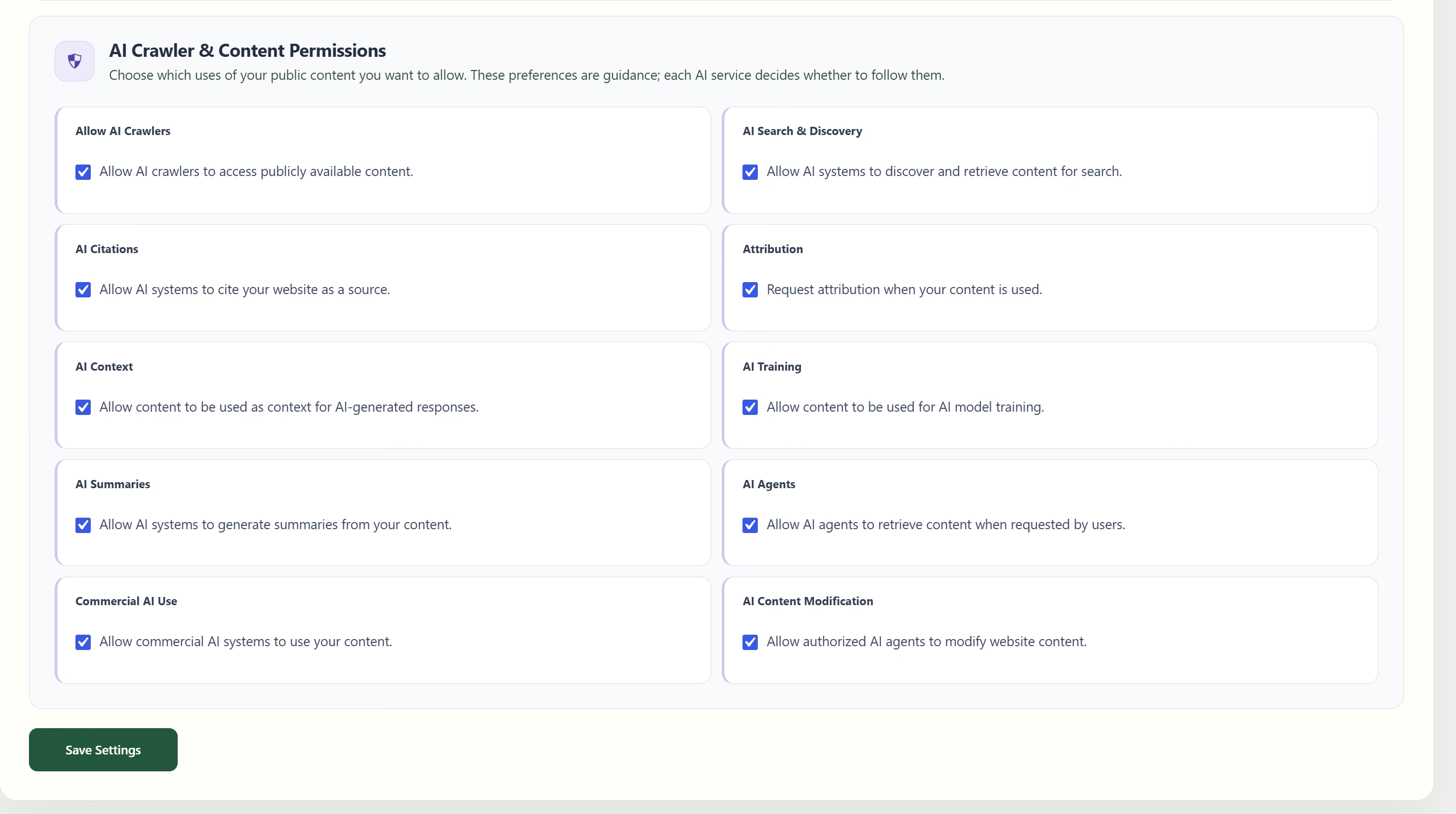
Express preferences for AI crawling, search, citations, attribution, context, training, summaries, agents, commercial use and modification. These are guidance, not access enforcement.
Queue files when selected content transitions to Published, including republishing. Ordinary edits do not queue another generation. Premium sites also use their licensed AI workflow.
See covered and missing content, files by type, freshness, recent activity and local FAQ/schema publication settings. Connected paid accounts also show requests and tokens.
Track identifiable AI referrals by source, landing page and day across 7, 30 or 90 days. Enable or disable tracking and clear stored reports. No AI credits or citation-count claims.
Use the admin interface in English, Spanish or Portuguese. Edit FAQ section titles, supported style rules, width, accordion icons and rotation with a live preview; generating new FAQ content requires Premium.
Create 3–8 supported questions and answers when the article has enough content. Public FAQs follow the source article language, independently of your admin language.
Generate a structured description of your page in JSON format. Review and edit it, keep existing page schema or enable WPLifted output. Matching Yoast and Rank Math page schema can be enriched while unrelated markup remains.
Review search title, meta description, heading order, image descriptions, evidence/sources, direct answers, semantic sections, authorship, entities and structured data. See status, evidence and recommended next steps.
Inspect main, navigation, article, section and aside landmarks, heading outlines, unnamed navigation and sections needing headings. Findings use captured HTML rather than a guessed readable text outline.
Review actual image URLs, informative image descriptions, missing or empty descriptions and decorative-image evidence. Existing image descriptions still needs a human quality check.
See lazy/eager/unspecified loading hints and priority conflicts. Review which images need attention; this does not run a browser speed test or measure Core Web Vitals.
Inspect titles, descriptions, canonical URL, encoding, viewport, Open Graph, X cards and website icons. Separate recommended, optional, review and unverified findings; optional tags do not add to the ten-point score.
Choose visible accordion, invisible FAQ or off. Place FAQs automatically or with a shortcode; synchronize the FAQ representation in readable text. Control structured data separately. Hidden FAQs do not emit FAQPage schema.
Use your homepage HTML and style rules as a reference for an editable FAQ style suggestion. Review the preview and adjust it locally. A successful generation uses one request.
Reopen saved read-only reports and get evidence and recommendations in your WordPress admin language. Regenerate for updated page evidence; local edits and display settings do not spend another AI request.
25 licenses with the same Premium tools. Each license has its own monthly allowance of 1,000 requests or 10 million tokens, whichever comes first.
Review license connections, plan status and current usage in the account app. Connect production and permitted related staging environments; disconnect sites when moving a license.
Built for your next chapter
Start with the workflow. Keep control of your content.